
Features
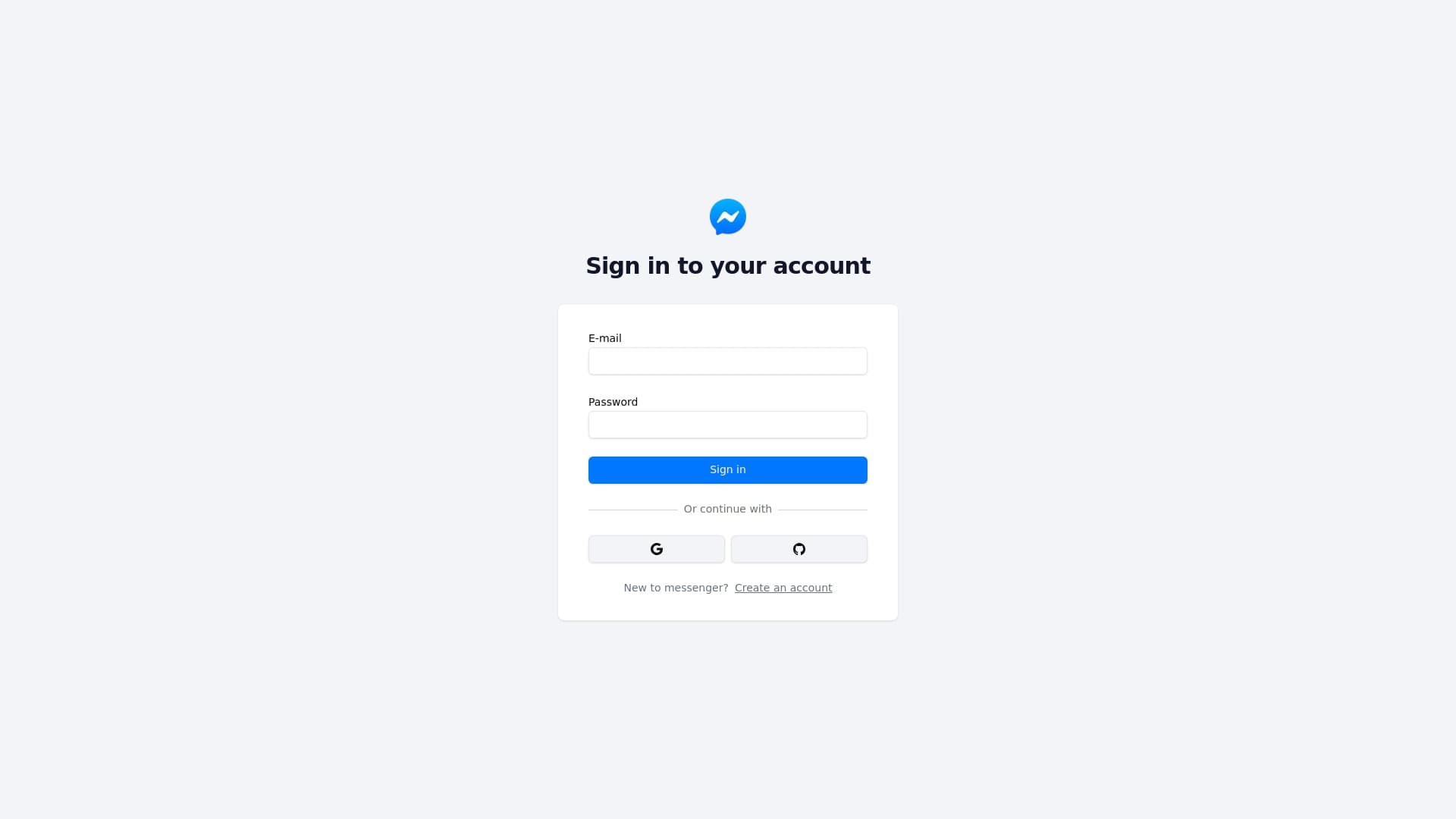
Register by email and password or using provider (Google, Github)
Private chats or group chats in real time (using pusher)
Editing your account informations (name, avatar)
User online status
Sending images (using cloudinary and next-cloudinary library)
Planned features
Managing users in group - kick, add
Adding roles in group chats (moderator, administrator)
Add preview to shared links
Connecting providers to created account or adding password to accounts created by provider
Password Reset
E-mail verify
How to reproduce project
1. Clone repository using git
git clone https://github.com/c3sare/messenger
2. Install dependencies
bun install
3. Add env variables
DATABASE_URL=
AUTH_SECRET=
AUTH_GOOGLE_ID=
AUTH_GOOGLE_SECRET=
AUTH_GITHUB_ID=
AUTH_GITHUB_SECRET=
PUSHER_APP_ID=
PUSHER_APP_SECRET=
NEXT_PUBLIC_PUSHER_APP_CLUSTER=
NEXT_PUBLIC_PUSHER_APP_KEY=
NEXT_PUBLIC_CLOUDINARY_CLOUD_NAME=
DATABASE_URL is a url to your postgres neon database
AUTH_SECRET is a key to encode and decode your JWT AUTH TOKEN, generate it with openssl rand -base64 33
AUTH_GOOGLE_ID and AUTH_GOOGLE_SECRET, its important to sign in with Google account, you can generate keys using google cloud console, TUTORIAL
AUTH_GITHUB_ID and AUTH_GITHUB_SECRET, its important to sign in with GitHub account, you can generate keys using your github account, TUTORIAL
PUSHER_APP_ID, PUSHER_APP_SECRET, NEXT_PUBLIC_PUSHER_APP_CLUSTER and NEXT_PUBLIC_PUSHER_APP_KEY, you can create by create a new project on this site
NEXT_PUBLIC_CLOUDINARY_CLOUD_NAME, its a cloud name of created image/video hosting in cloudinary