
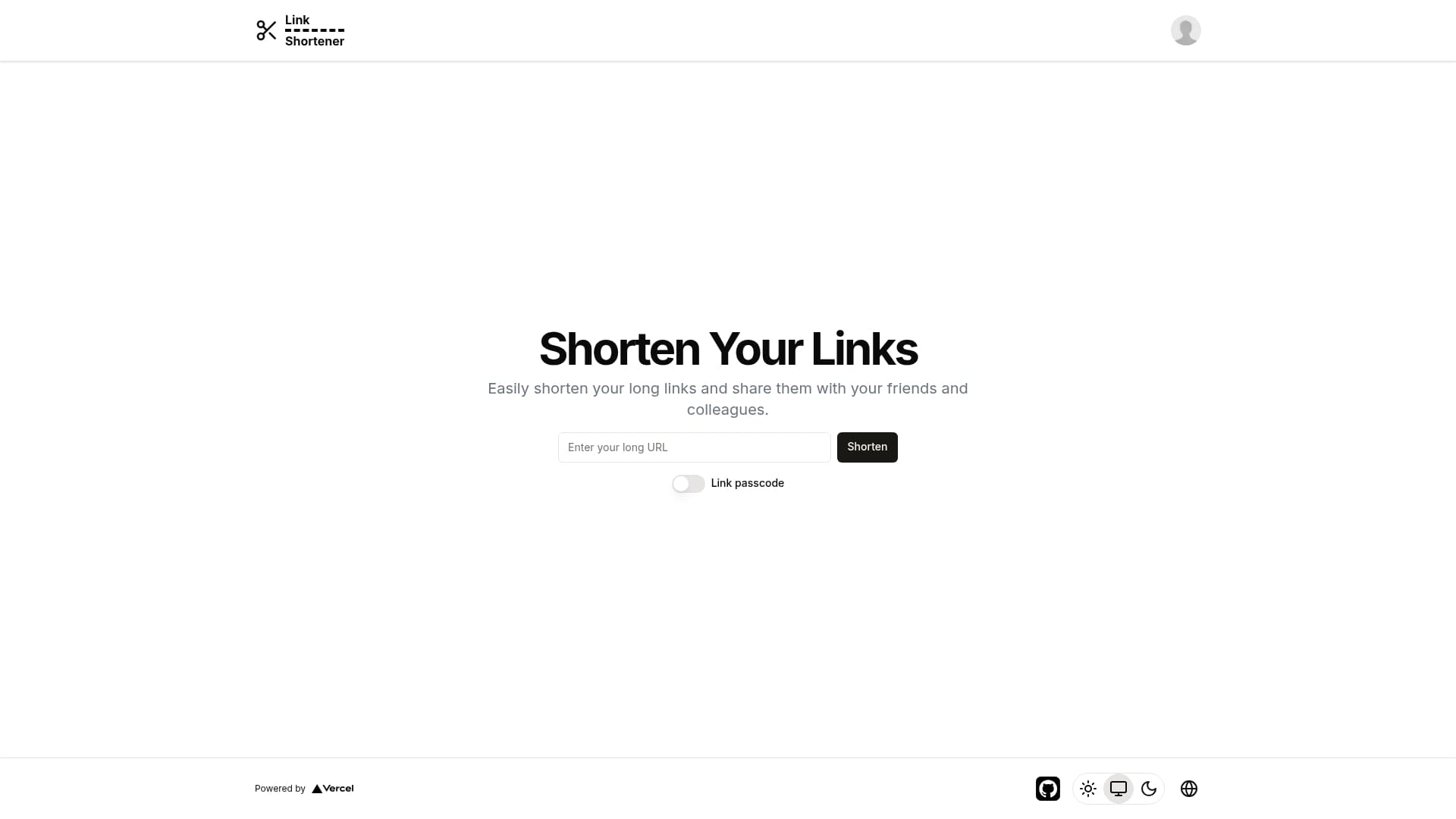
Features
Supported i18n (Polish, English)
Light/dark mode of website
Creating shorter links
Signing in with google, github
Adding created links to used account and deleting them
Created links list with statistics (with ip, redirect count, city, country, continent, time)
Adding link with pass code and managing it
Adding title and description for links
Filtering links by label, title, description
Adding labels for links
Sorting links by create time (desc and asc)
Planned features
Links pagination on "/profile" page
How to reproduce project
1. Clone repository using git
git clone https://github.com/c3sare/link-shortener
2. Install dependencies
bun install
3. Add env variables to .env file
DATABASE_URL=
AUTH_SECRET=
AUTH_GOOGLE_ID=
AUTH_GOOGLE_SECRET=
AUTH_GITHUB_ID=
AUTH_GITHUB_SECRET=
DATABASE_URL is a url to your postgres neon database
AUTH_SECRET is a key to encode and decode your JWT AUTH TOKEN, generate it with openssl rand -base64 33
AUTH_GOOGLE_ID and AUTH_GOOGLE_SECRET, its important to sign in with Google account, you can generate keys using google cloud console, tutorial how to do this
AUTH_GITHUB_ID and AUTH_GITHUB_SECRET, its important to sign in with GitHub account, you can generate keys using your github account, tutorial how to do this
4. Start your project in dev mode
bun run dev